 English
 Bengali
dhaka64 App A Full Casino Squeezed Into Your Android Phone
The dhaka64 Android application ships as a direct APK from dhaka64bd.com/app.apk. It's absent from Google Play because Play Store policy forbids listing real-money gambling apps in Bangladesh — every regulated operator serving this market distributes via direct APK, so this isn't unique to us. The file weighs roughly 22.5 MB and installs cleanly on Android 5.0 (Lollipop) or later. There is no iPhone build because Apple's guidelines don't permit gambling apps in Bangladesh and sideloading isn't practical on iOS. iPhone users still enjoy the entire game catalogue through the mobile-optimised casino site in Safari or Chrome. Browse our full library of games anytime.
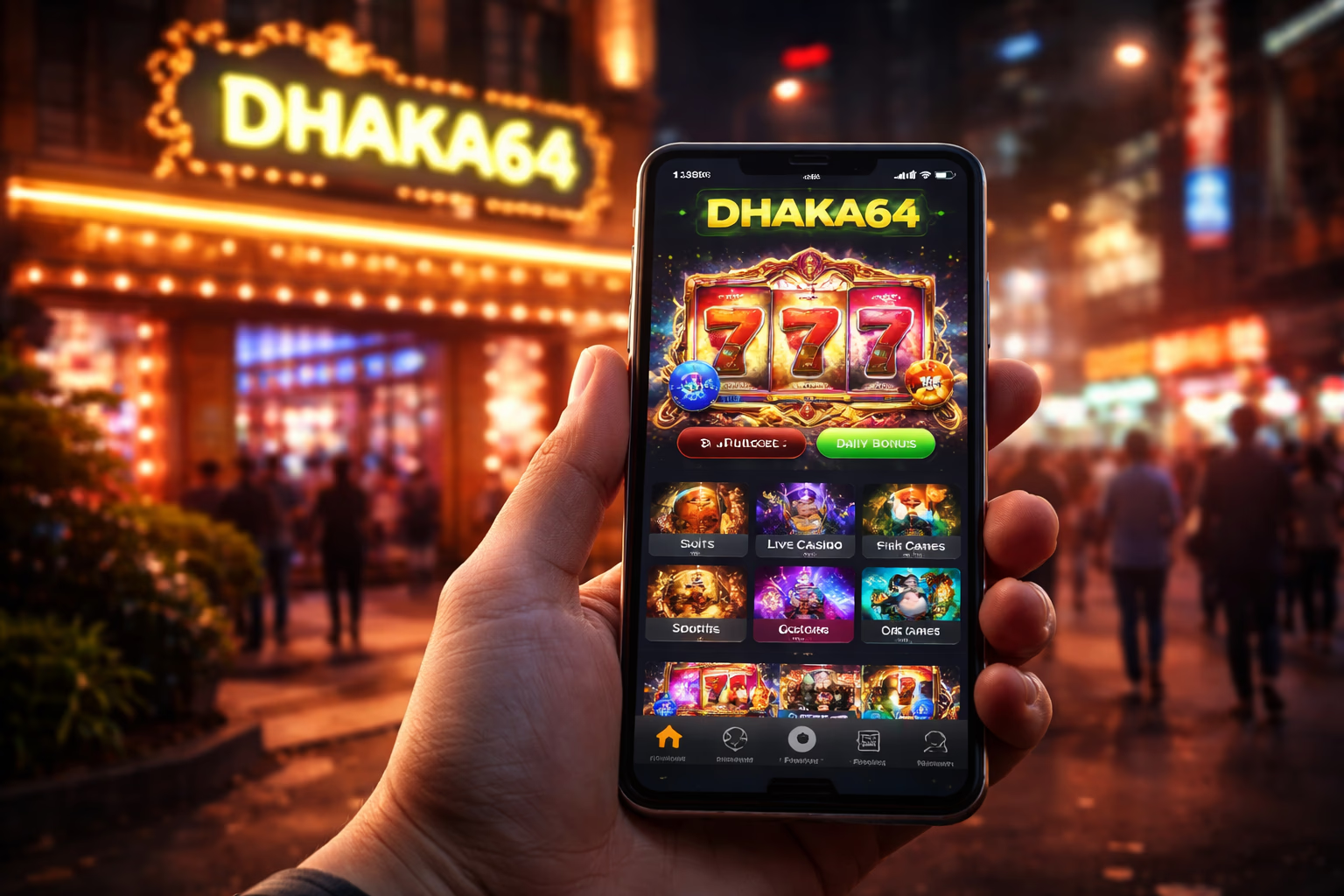
What Makes the dhaka64 Mobile App Different
Most competing casino apps demand Android 7.0 or higher. dhaka64 supports Android 5.0 because handset replacement cycles in Bangladesh are typically longer than in high-income markets — locking out older devices would exclude many genuine players. The trade-off on our side is roughly 4 MB of additional backwards-compatibility code inside the APK. The upside for you is that the app runs smoothly on hardware that newer competitors reject outright.
The application delivers the full portfolio of casino tables, sportsbook markets and live dealer rooms inside a snappier, more resilient shell than the mobile browser. Live streams hold quality better, push notifications alert you to bonus drops and match kick-offs, and session persistence is dramatically improved — no more losing your place when a message app steals focus.
All account data lives on our servers, never on your handset. Your balance, active bonuses, KYC status and complete gameplay history stay identical whether you're on web, mobile browser or the native app — hop between them without re-entering anything. Start a session on a desktop, continue on the phone, then finish on a tablet seamlessly.
Start PlayingSix Mobile App Benefits Every Player Should Know

Instant One-Tap Entry
Tapping the dhaka64 icon opens the platform immediately — no browser tab hunting, no URL typing, no accidental landing on a phishing clone. For anyone worried about impersonation sites (a genuine concern locally — fake dhaka64 domains circulate frequently), the installed app functions as a phishing-resistant entry point. Explore our slots collection here.
Exclusive App Rewards
Selected promotions run only for app users — bonus showers timed around major cricket fixtures, free-spin allocations on marquee slot debuts, and periodic cashback multipliers. Push notifications are only available through the app, never on the mobile browser. Use login to activate them.
Hardened Account Security
The app safeguards credentials more robustly than a browser session. No browser-stored passwords sitting exposed. No cross-site cookies that other pages might harvest. The app's networking layer implements certificate pinning — so even if your device DNS is tampered with, connections to fake servers are refused. Continue to betting confidently.
Real-Time Alerts
Push notifications cover: deposit confirmations, withdrawal processing updates, bonus credits, wagering completion, KYC decisions via verification, match starts (for sports wagers you've placed), tournament progress updates, and general platform announcements. Every category is configurable — silence any you don't want inside Android Settings → dhaka64 → Notifications.
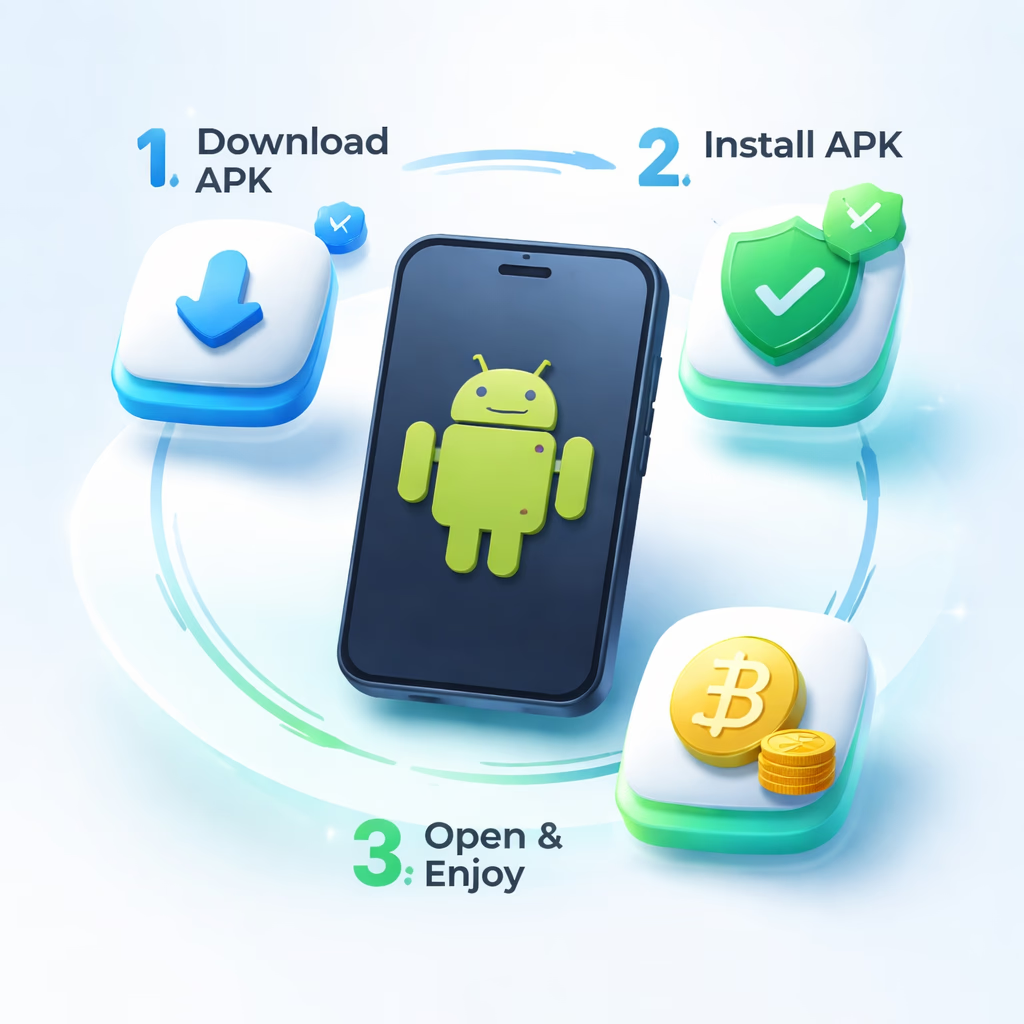
How to Download and Set Up the dhaka64 APK
Step 1 — Grab the APK File
Press the Download APK button on this page, or any similar button across dhaka64bd.com. The ~22.5 MB file lands in your phone's Downloads folder within seconds. Your browser might flash a security notice because the source isn't Play Store — this is entirely expected. Confirm the download to proceed. If the link came from anywhere other than dhaka64bd.com, close it and type dhaka64bd.com manually into the address bar to double-check — phishing operators distribute counterfeit APKs that look convincing but contain malware. Reach us via contact if unsure.
Step 2 — Allow Unknown Sources
Android blocks non-Play-Store installations by default. When you tap the downloaded APK, the system prompts you to authorise your browser (Chrome, Samsung Internet, whichever you used) to install applications. Open settings, flip the "Allow from this source" toggle to on. You can disable it again after the installation completes — it's granted per-app. On older Android builds (pre-8.0), the option is buried at Settings → Security → Unknown Sources.
Step 3 — Install and Sign In
Tap the APK inside your Downloads folder or through the notification shade. Android displays the permission list (Internet, Storage, Notifications, plus optional Camera access for in-app document uploads). Review and accept. Installation completes in 10–30 seconds on most handsets. The first launch pulls a game asset cache of 50–80 MB — a one-off download, subsequent starts are instant. Sign in with your existing dhaka64 credentials — same account across all platforms. Verify sources through official channels.
Why the dhaka64 App Beats Desktop for Mobile-First Users
Cold-start performance. The mobile browser must fetch HTML, stylesheets, JavaScript bundles, custom fonts and image assets on each visit. The native app already has these resources cached on disk — it launches in under a second flat. Over 50 sessions per month, that saved time genuinely adds up. Learn more about our platform.
Battery consumption. Counterintuitively, the native app drains less battery than the browser experience for the same play patterns. Browser tabs render the full DOM tree and re-execute JavaScript on every touch; the native UI is compiled and vastly more efficient. Expect roughly 3–5% per hour on slot sessions inside the app versus 6–10% via the browser.
For desktop players or those who genuinely prefer browser-based gameplay — the mobile site carries the entire catalogue and functions perfectly on any hardware. The application isn't mandatory; it's simply the sharper option for mobile-first players seeking peak performance.
Open the App
